
The StatusPro Visualizer.
The techniques we use to craft mass-market hits in mobile & social games apply just as powerfully to enterprise software. That’s gamification — and here’s how it put ESPN’s NFL Live inside the quarterback’s head.
Techniques to craft mass-market hits in mobile & social games apply to enterprise applications.
01 / BackgroundAn NFL telestrator, in first person.
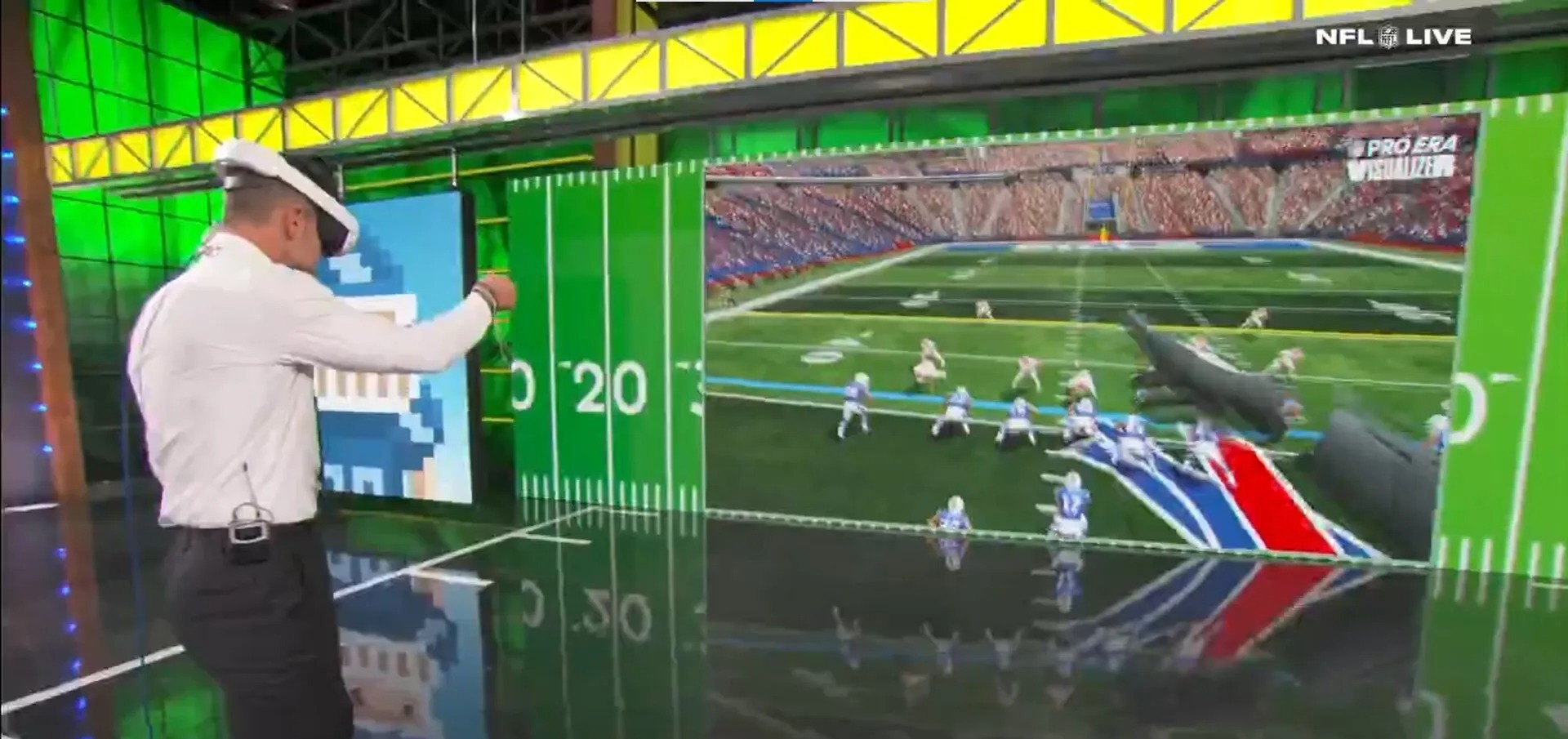
This innovative B2B product enabled Dan Orlovsky, the host of ESPN’s NFL Live, to break down a play — to “telestrate” — from the play’s point of view, in first person. Mr Doom led a bespoke outsourced development team, working hand-in-hand with the StatusPro founders and the NFL Live production team as stakeholders.
02 / ChallengesEight months. Live television. One shot.
The team had just 8 months to create an innovative product that would be featured on broadcast television. Reaching quality in such a short window, on entirely novel software, was going to be a tough endeavor.
Even tougher: the team had no access to the host who would pilot the software — his schedule was insane — and he needed to be able to record a segment in under 30 minutes. Whew!
03 / SolutionRun the hit-making playbook.
Apply Doom’s game-creation playbook to predictably create new. We targeted a mass-market experience: the user could pick it up and play with little to no instruction, and want to come back again and again. In other words — simple to pick up, and enriching to master.
As he’s done with his previous hits in games, Mr Doom set off to discover the vision and requirements from the stakeholders while spinning up the dev team in parallel.
Create a paper prototype
From a feature list and a vision statement, we built a paper prototype so we could see how the user would move through the core loop of the software. We physically drew out a storyboard of how the user would use it, paying special attention to every software state and user interaction. This is what we call the “core loop” — the main UX flow the user travels every single session.
Focus on the FTUE
We first mapped out the First Time User Experience, or “FTUE” (pronounced Fah-too-ee). Being the first time the user opens the software, it’s the most critical part of the experience — you’re priming the user’s psychology about the usage and quality of everything to come.
Immediacy is key to keeping the user in a flow state (focused on the task at hand, with all other distractions melting away). The goal is to hook users as fast as possible with the minimal amount of “friction” — any interaction or screen that interferes with getting to the core experience. As Steve Jobs once told me, it’s critical to get to any interaction in under three clicks, or you risk losing the user.
Get to the hook point quickly
In mobile and social games, where users have very low attention, this has to happen in under 30 seconds. We’ve found it’s critical to reach the core of the experience — and deliver a win state — within those 30 seconds.
Applying those learnings here, we targeted booting, loading in, and telestrating a play with confidence, all within 30 seconds. To get there we mapped a path that loads to the field, puts the player into the scene behind the QB, and provides WYSIWYG push-button controls that make what to do intuitive.
Design to reduce cognitive load
We grouped the user interface into a prioritized hierarchy — P0: information needed for immediate decisions; P1: information needed for next-to-immediate decisions; P2: information needed only occasionally. Doing this simplifies the user’s cognitive load and focuses them on the right information to make intuitive decisions.
We created simple controls, where single button pushes and single control combinations were key. In novel experiences, whole complex interactions and interfaces are possible — but decreasing cognitive load with simple controls eases the user into the experience.
We designed immediately grokkable buttons, with iconography that can be understood in the blink of an eye. While the host is talking, he can’t be fumbling with buttons. A picture says a thousand words, so it’s key to choose imagery that’s self-evident at a glance: simple line work, very few colors, and high contrast against both the button and the scene.
We also designed the UX around different biomechanics, making the UI reachable instantly from any player’s height and arm length. The interface shouldn’t get in the way of looking at the play, yet it should be easy to see and tap quickly, with little to no thought.
Weekly end-user playables
Within the first two weeks of the engagement, we had enough for the dev team to build a foundation and get a prototype ready to play that demonstrated the core loop.
While we had a tight deadline and a waterfall plan, having quality software rapidly meant it was critical to iterate with an agile methodology. We set a target to have playable software every week for us and the internal stakeholders to review and critique. When you’re moving fast, it’s instrumental to be able to touch the software and play the core loop as a new player — removing all the friction from an ideal session.
To have playable software every week, you have to fake some systems to get to the root experience. Here, we faked putting in a play that we would later ingest live from an NFL game, while that pipeline was still being built.
Rapid iteration with end user role play
Our secret weapon during iteration was StatusPro’s CMO, Andrew “Hawk” Hawkins — co-host of NFL Live. He provided insights on how Dan might use the software, and we loaded him into the weekly builds to capture the key insights that shaped how Dan should use it.
As we iterated, we delivered a playable build to ESPN every month that showed sizable forward progress. That cadence let them give critical feedback to improve the software. We continued until both parties were happy with the end product to put in front of Dan.
04 / ResultsMission success.
We’re happy to say Dan picked up the headset for the first time and, within 10 minutes, recorded his first segment in under 15 minutes. Mission success!
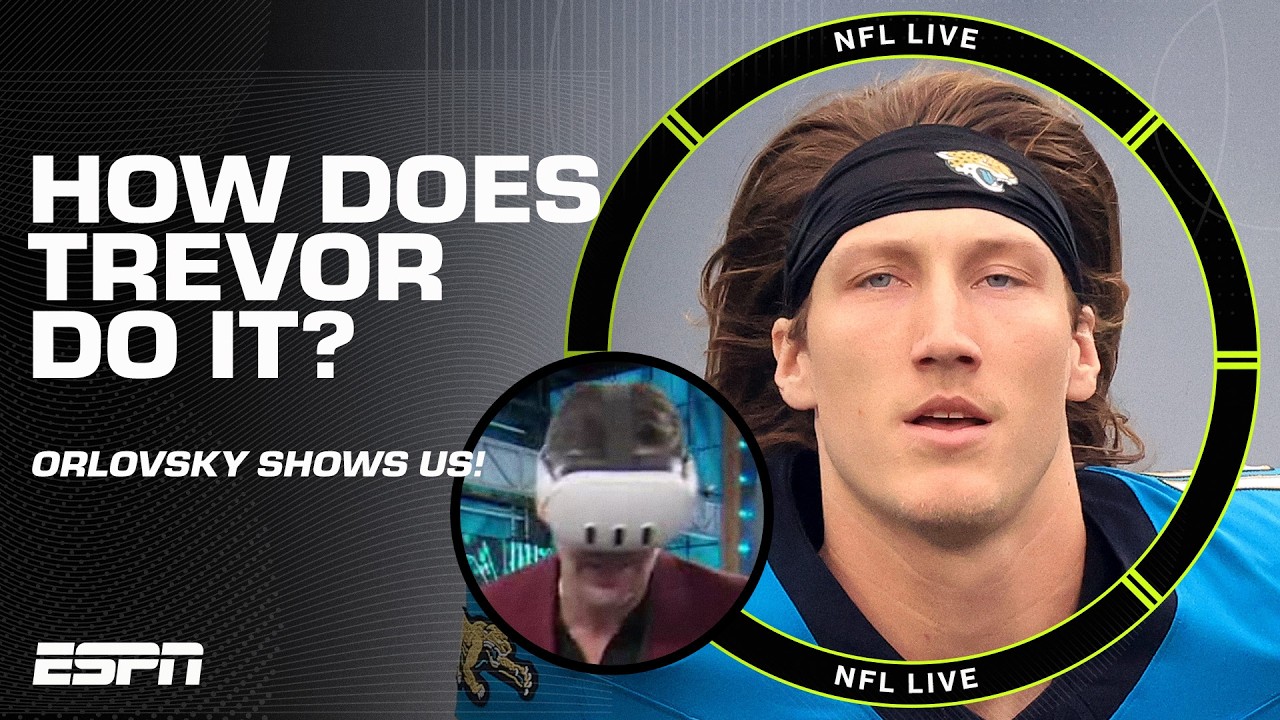
The work went on to earn millions of views, was lauded by the sports-TV world, and was nominated for an Emmy. And it didn’t stop there: ESPN continues to use the software and is expanding it to college sports, with requests to bring it to other sports.
05 / In the pressAnd it was a hit
The segment was lauded by the sports community! Each of Orlovsky’s posts cleared over a million views within 24 hours, and the first three clips combined for 5 million-plus views on X, with millions more on Instagram. As StatusPro co-founder Andrew Hawkins put it, the segment “turned 3, 4, 5, 6, 7 million people into XR users who may or may not have a headset.”
Under the hood, the Visualizer renders real plays from NFL Next Gen Stats tracking data and runs on a Meta Quest headset — technology refined through the Disney Accelerator and ESPN’s Edge Innovation Center. It earned a spot among ESPN’s industry-leading 63 nominations at the 46th Annual Sports Emmy Awards.
“I took five minutes to break down what Russell Wilson is going to take 3 seconds to see… Everybody understanding how much the quarterback sees and processes in such a short amount of time, from his vantage point, is so cool.”
Dan Orlovsky — ESPN, NFL Live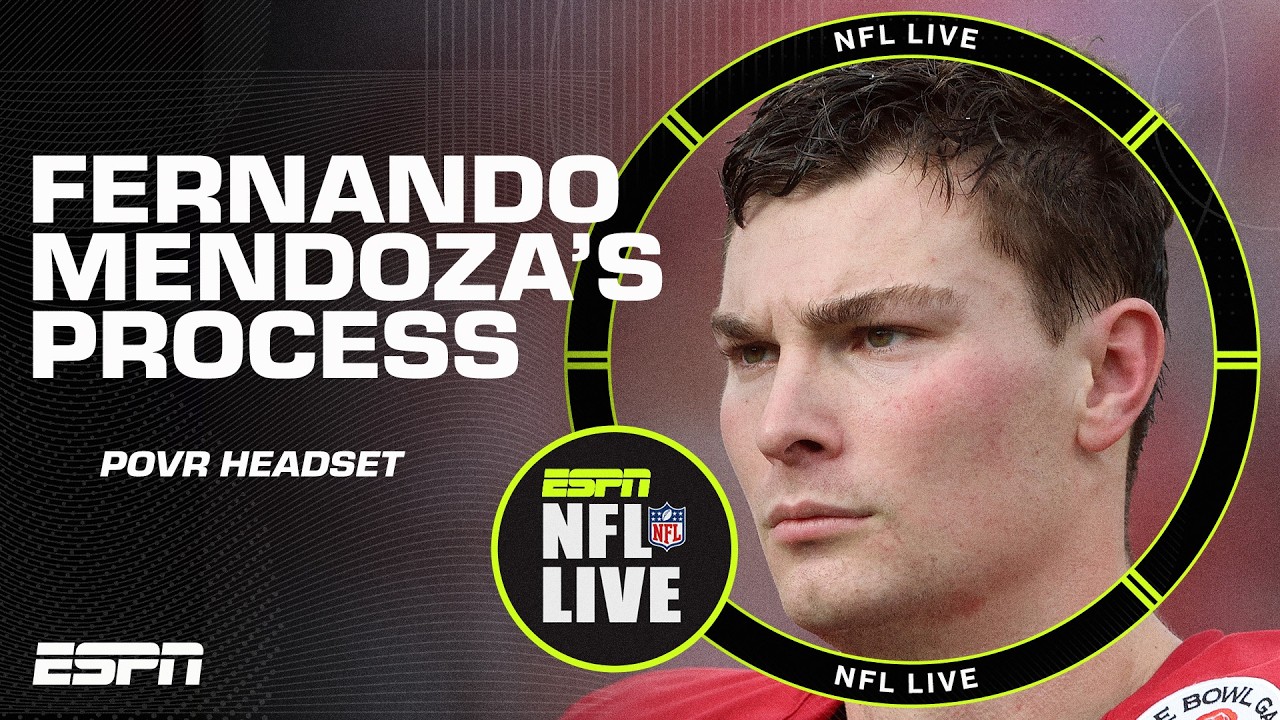
“This is sick. BRAVO DAN-O.”
Pat McAfee — The Pat McAfee Show, ESPN- How ESPN uses the StatusPro Visualizer on ‘NFL Live’ Sports Business Journal
- Dan Orlovsky, ESPN bring virtual-reality NFL analysis to the masses Yahoo Sports
- Dan Orlovsky’s virtual-reality NFL analysis on ESPN USA Today
- ESPN earns industry-leading 63 Sports Emmy nominations ESPN Press Room
- More NFL Live POVR segments StatusPRO · YouTube